
Six models, one workspace
Switch between Klein, Turbo, Dev, Pro, Flex, and Max without leaving the page or reloading your settings.
Generate new images or edit up to 3 references with Klein, Turbo, Dev, Pro, Flex, and Max through one FLUX.2 workspace.
Result will appear here
The FLUX.2 family
Generate from text or edit reference images with the entire FLUX.2 lineup — Klein for speed, Turbo for real-time iteration, Dev for open-weights flexibility, Pro for balance, Flex for typography control, and Max for fidelity. Same generator, same credit pool, six models you can switch between instantly.
Why FLUX.2
Switch between Klein, Turbo, Dev, Pro, Flex, and Max without leaving the page or reloading your settings.
Start from a text prompt or upload up to 3 reference images for precise edits across every FLUX.2 model.
Pick standard, high, or ultra output resolution to balance speed and fidelity for each job.
No subscriptions — credits scale with the model, mode, and quality tier you choose.
One workspace, six FLUX.2 models
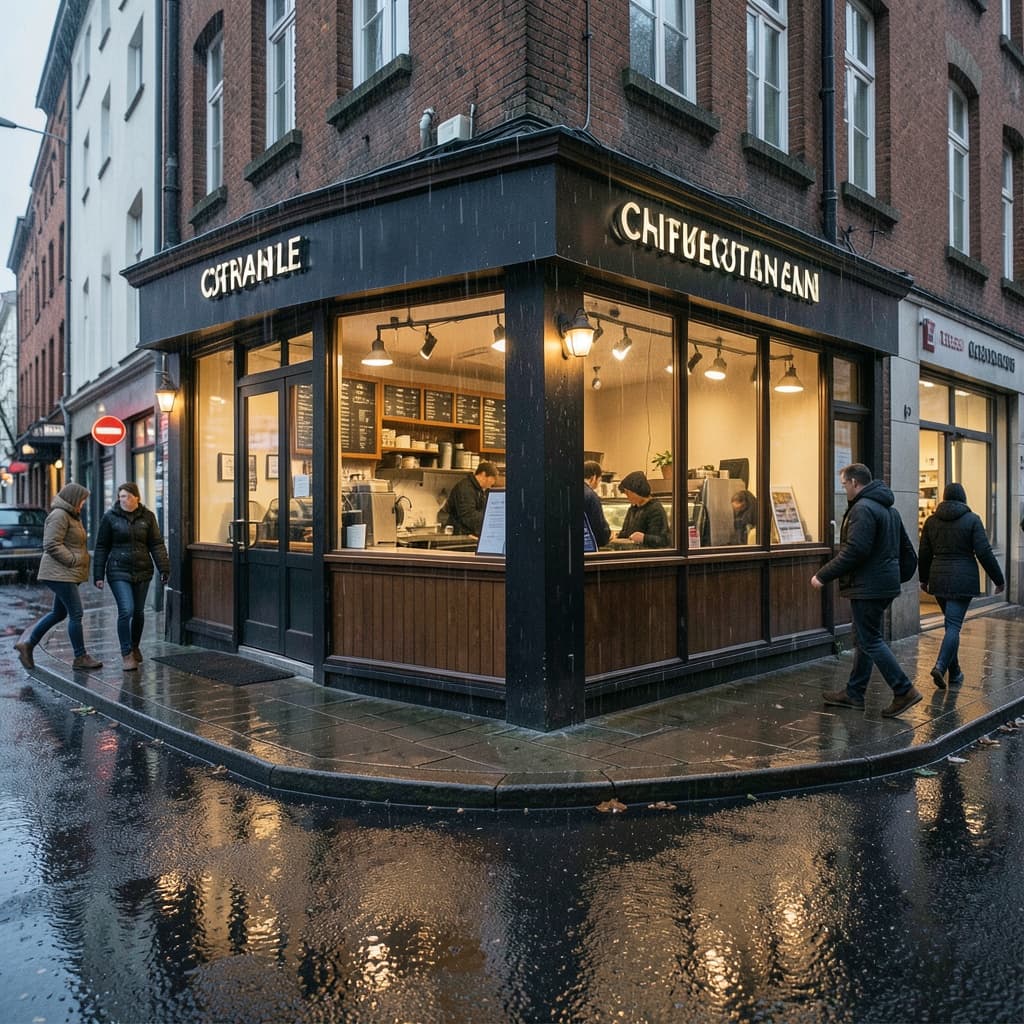
Fastest · from 1 credit
Fast FLUX.2 Klein concept generation · High-volume AI image drafts · Everyday FLUX image editing
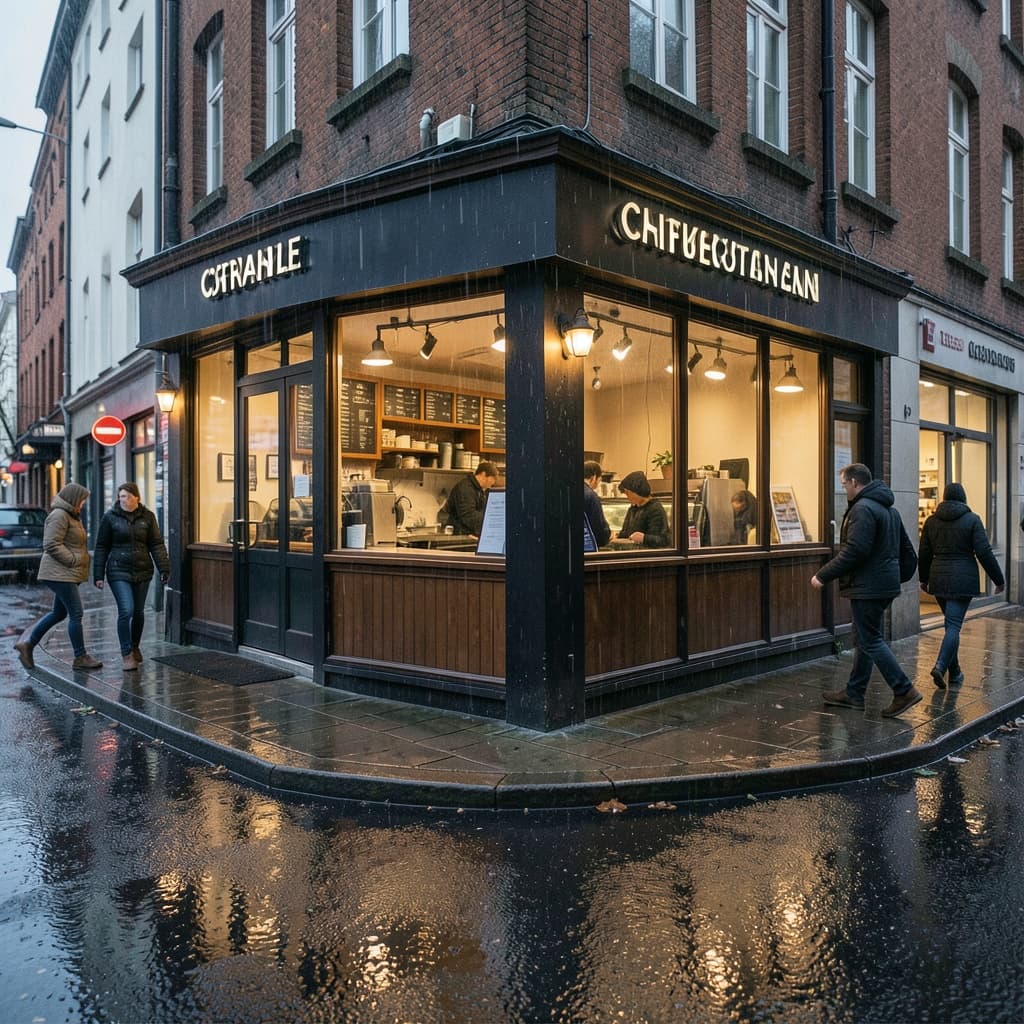
Ultra-fast distilled · from 1 credit
High-volume FLUX.2 Turbo drafts · Real-time FLUX AI prompt iteration · Batch FLUX.2 concept generation

Open-weights mid-tier · from 2 credits
Studio-grade FLUX.2 Dev drafts · Open-weights FLUX fine-tuning · FLUX.2 Dev reference-based edits

Production quality · from 2 credits
FLUX.2 Pro production visuals · FLUX.2 Pro product photography · High-fidelity FLUX image editing
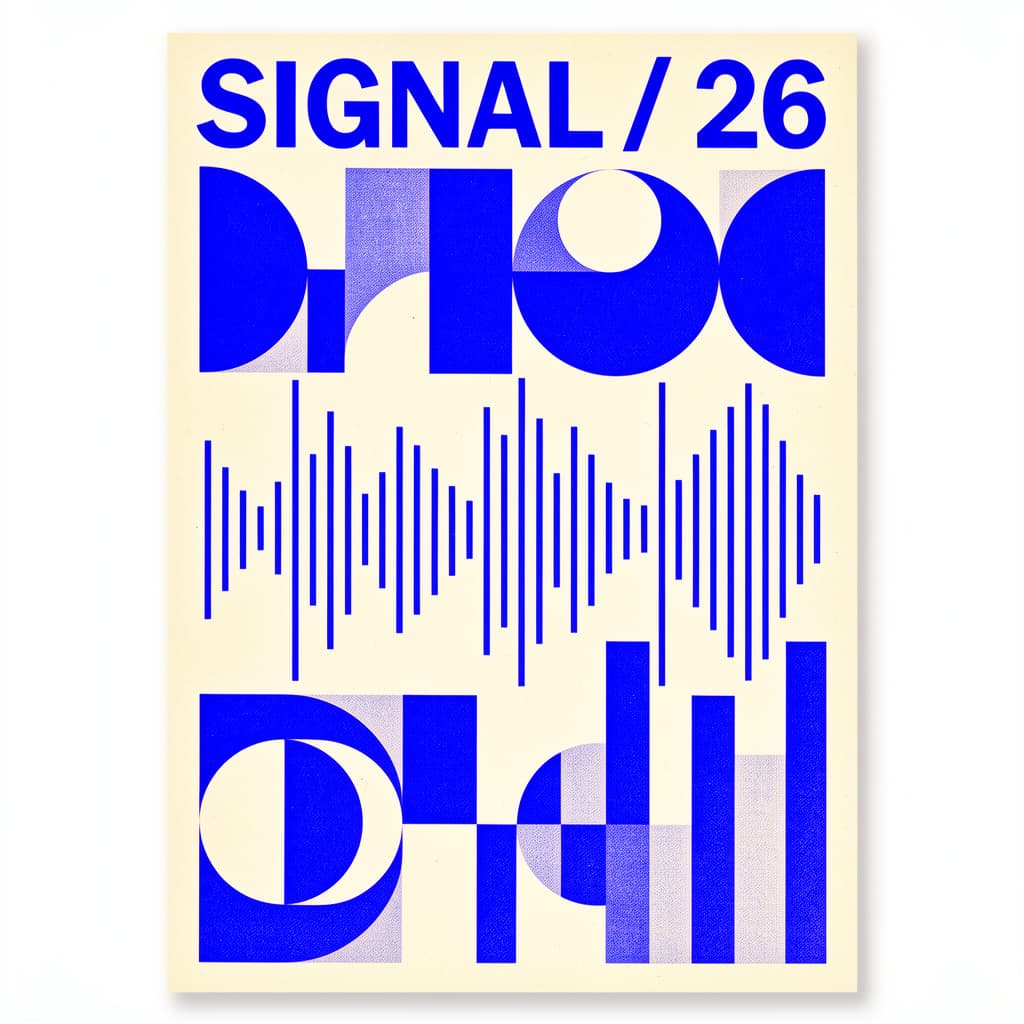
Typography & control · from 3 credits
FLUX.2 Flex typography and posters · Detailed FLUX art direction · FLUX.2 Flex controlled compositions
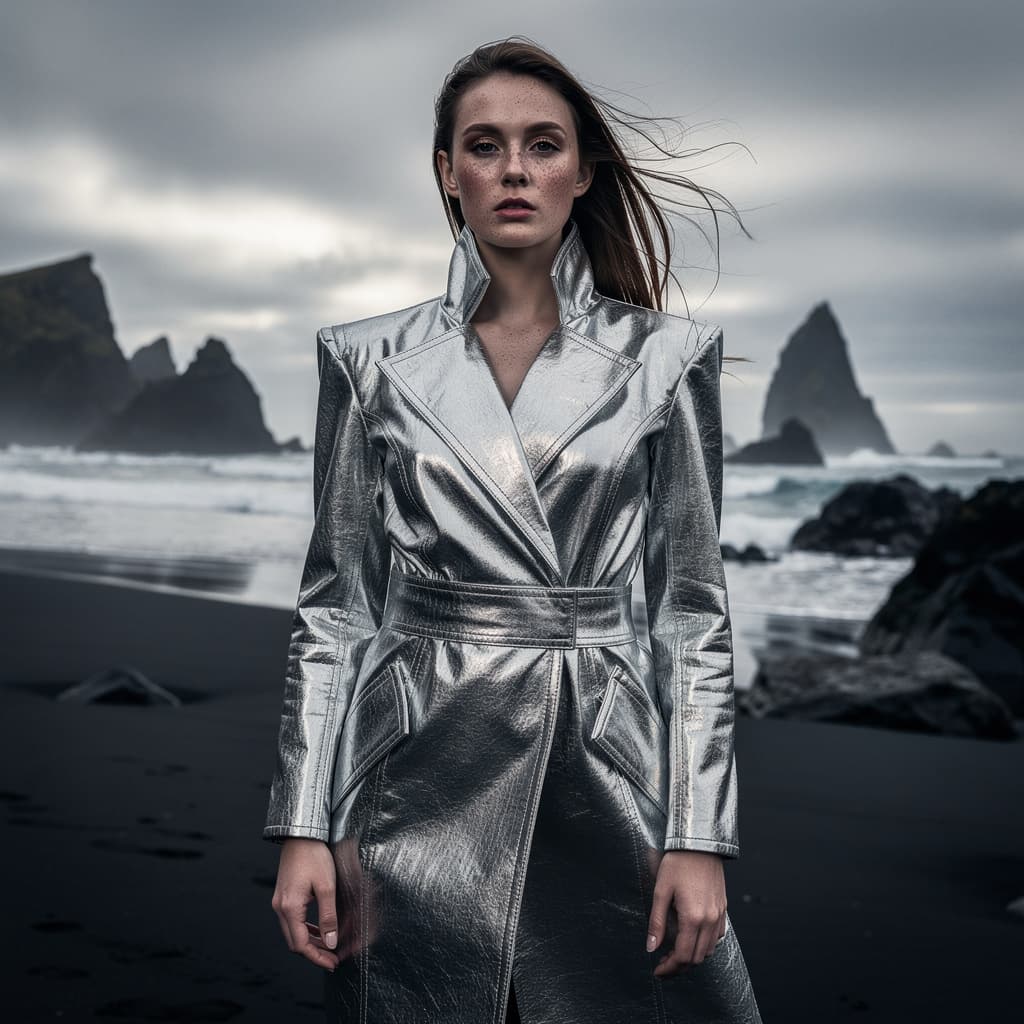
Highest fidelity · from 4 credits
FLUX.2 Max campaign key visuals · Premium FLUX brand assets · FLUX.2 Max complex reference edits

Open-weights mid-tier · from 2 credits
Video and audio production · Image synthesis and editing · Robotics and action prediction
Klein is the fastest and cheapest for drafts, Turbo offers the lowest latency with a distilled pipeline, Dev is the open-weights mid-tier option, Pro balances speed and quality for production, Flex offers the best typography and layout control, and Max delivers the highest fidelity for hero images.
Yes. Switch the generator to image mode, upload up to 3 reference images, and the model will honor them alongside your prompt instruction.
Start with Klein for quick iteration, move to Pro or Max when the image needs to look polished, and choose Flex when the edit matters more than the prompt.
Each model supports multiple aspect ratios — square for social posts, portrait for stories, and landscape for banners. Pick the one that matches your destination.
Credits depend on three things: the model (Klein costs less than Max), the mode (text-to-image vs image edit), and the output quality tier (standard, high, or ultra).
No. Every FLUX.2 tool here runs on pay-per-credit pricing — buy credits as you need them, with no recurring subscription.
FLUX AI is a family of text-to-image and image-editing models from Black Forest Labs. The FLUX.2 lineup includes Klein, Turbo, Dev, Pro, Flex, and Max — each tuned for a different balance of speed, fidelity, and control. All six are available in the workspace on this page.
Beginners should start with FLUX.2 Klein. It is the fastest and lowest-cost model, which makes experimentation cheap. Once you understand how prompts and reference images work, move up to Pro or Max for higher-quality results.
FLUX.2 generally offers stronger prompt adherence and better text rendering (especially Flex) than DALL-E, and more predictable, controllable output than Midjourney's distinct aesthetic. FLUX.2 also uses transparent credit-based pricing. Try the model that fits your task and compare.
This workspace runs FLUX.2 Klein, Pro, Max, and Flex entirely in the browser with no install. Check the current credit policy on signup for any free trial credits available to new accounts, then pay per credit as you generate.
Pick a model, write a prompt or upload references, and generate directly on this page.